
AI Voice Cloning
AI Voice Cloning
Clone a voice from short audio and generate editable speech in one workspace.
1 credits cost
Before / After
See how a rough source turns into something production-ready
The comparison is simple: what you start with, and what the polished output is aiming to become.
Narration style
08/05/2025Creator style
08/05/2025Podcast style
08/05/2025
What is AI Voice Cloning?
AI voice cloning recreates the tone, pacing, and character of a voice from a short sample. On this page, you can upload audio, record a reference, or sketch the voice concept first, then pair it with your script inside the same RoleTTS workspace.
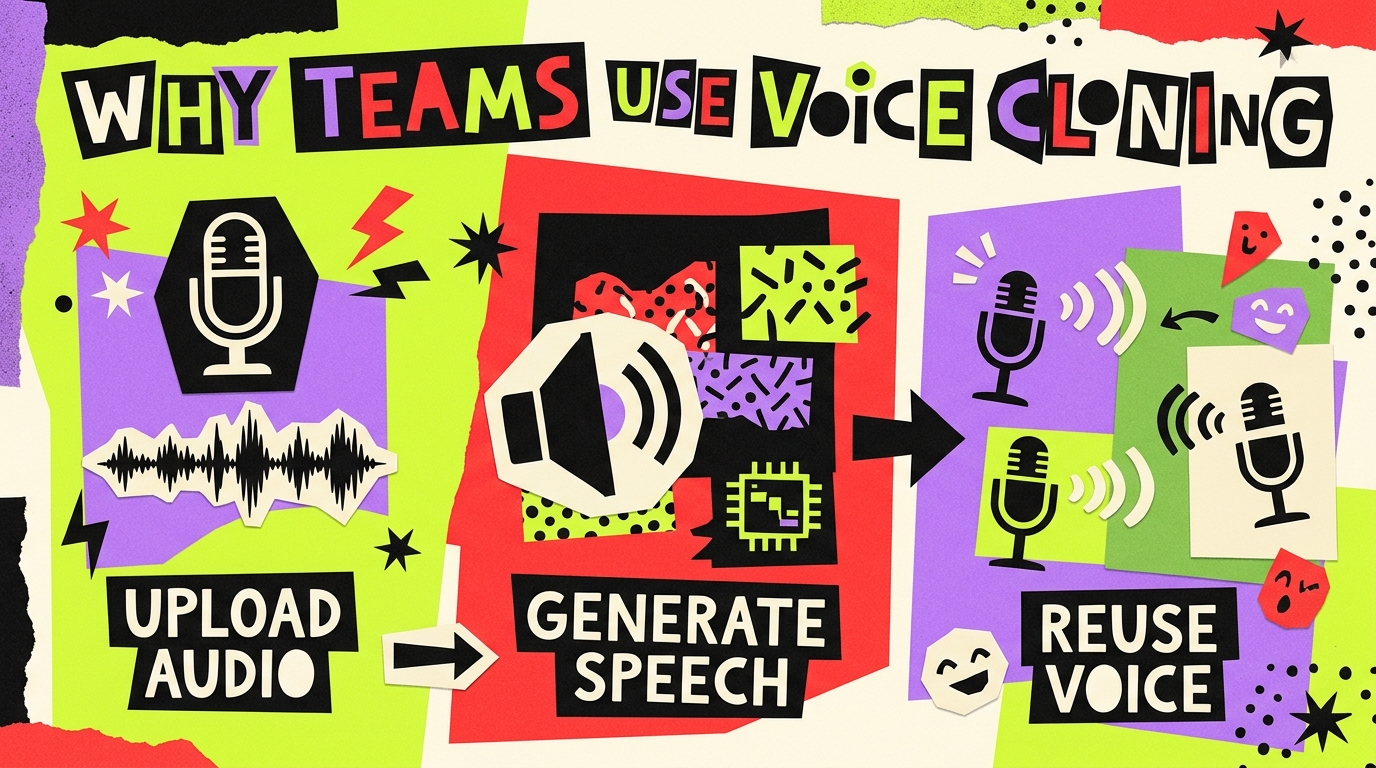
Why Teams Use RoleTTS Voice Cloning
This AI voice cloning workflow is built for people who want to turn text into personalized, natural-sounding speech quickly. It keeps upload, record, and script writing in one place so the first result is easy to reach.

Still Re-recording Lines for Every Revision?
Flat synthetic voices and repeated manual takes slow everything down. With a short sample and a typed script, this page helps you move faster while keeping the cloned voice more personal and more consistent.
Stand out
Why This Voice Clone Workflow Works
The product flow is simple, but the page still gives people enough context to understand speed, control, and script-to-speech value before they try it.
Clone Any Voice Online in Seconds
Start with a short sample and move straight into a usable clone without leaving the page.
Natural Sound with Full Control
Adjust the text, language, transcript, and style hints before you generate the final speech.
Turn Any Text into Speech with Your Voice
Use the cloned voice for narration, videos, explainers, or any custom line you want to generate.
Simple steps
Voice Cloning in 3 Practical Steps
Upload or record a sample, shape the output, and generate the cloned result with the controls already wired into RoleTTS.

Step 1: Add a Reference Voice
Start by uploading a clear voice sample so the clone has a stable speaker reference.

Step 2: Tune Script and Style
Adjust the script and optional hints so the generated output lands closer to the tone you want.
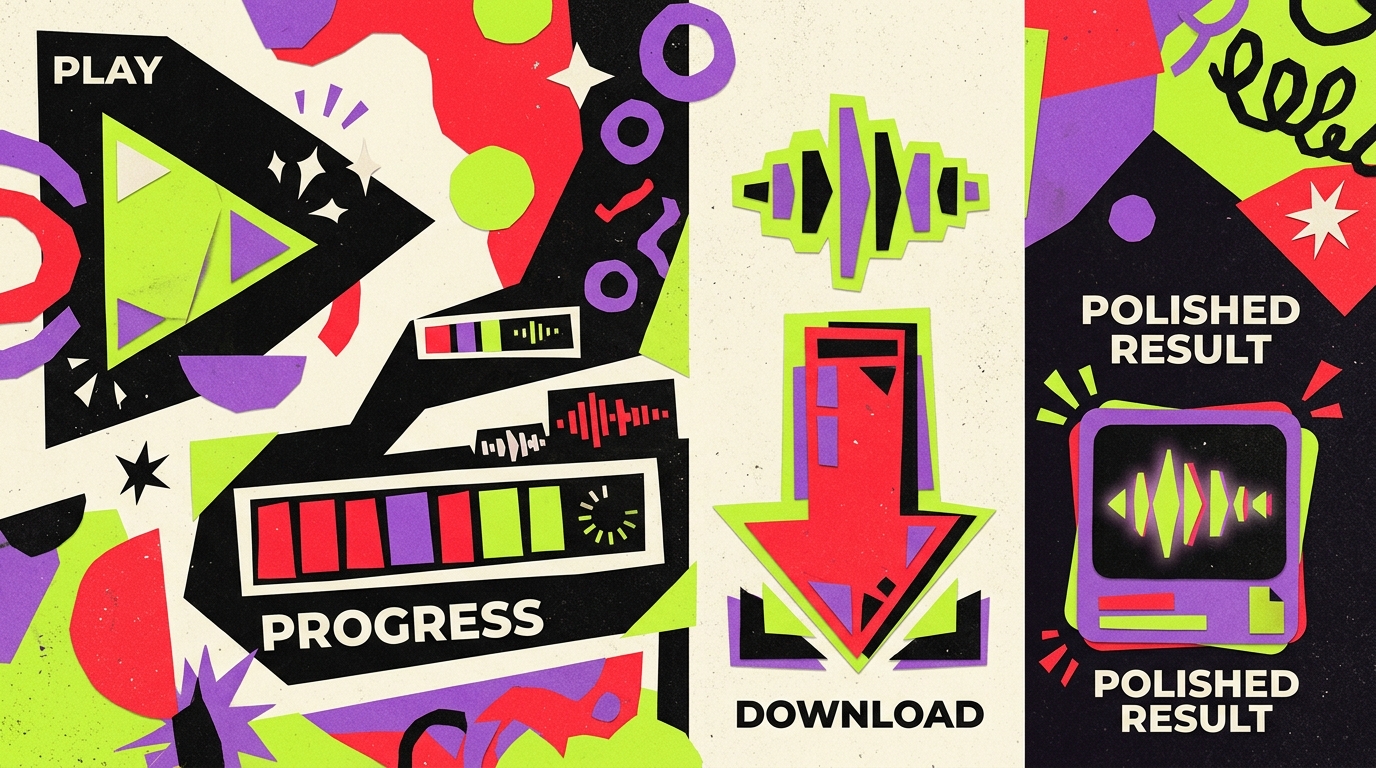
Step 3: Generate and Export
Run the clone, review the result, then download or reuse it once the delivery sounds right.
Give Your Words a Voice with Fast AI Cloning
Start with a short clean sample, add your script, and generate a first pass without leaving the page.
Voice Cloning FAQ
Short answers to the questions people usually ask before uploading a sample or recording one in the browser.